Survival Mode: What to Do When Your Ecommerce Store Is Losing Money
No sugarcoating. If your store is bleeding cash, here is the exact 30-day playbook to stop the bleeding, stabilize, and start recovering. Step by step.
Nguyen Tuan Dai
Founder & CEO, Okiela
Key Takeaways
- 130-minute diagnosis: 5 numbers tell you exactly how much you are losing and why
- 2Week 1 actions (kill bad ads, cancel apps, pause discounts, raise prices) can flip $500 loss to $3,650 profit
- 3Your top 20% of SKUs probably generate 80% of profit -- find them and go all-in
- 4Rebuild marketing at 50-60% of previous budget, focused on email (free) and your single best campaign
- 5Check 3 survival metrics every Monday: contribution margin, cash balance, inventory turnover
Table of Contents (6 sections)
I am going to skip the motivational pep talk. If you are reading this, your store is losing money and you need a plan. Not inspiration. A plan.
Here is what I would do if I was in your shoes. Same playbook I have walked through with founders who went from negative margins to profitable in 30-60 days. Not magic. Math.
First: Figure Out HOW MUCH You Are Losing
Before you fix anything, you need to know the size of the problem. Not "I think we are losing money" — the exact number.
The 30-Minute Diagnosis
Pull these 5 numbers for last month:
- 1Total revenue (from Shopify dashboard)
- 2Total COGS (cost of all products sold — if you do not know this exactly, use 40% of revenue as a starting estimate)
- 3Total ad spend (from Meta, Google, TikTok — all platforms combined)
- 4Total operating expenses (Shopify plan + apps + shipping costs + freelancers + every recurring bill)
- 5Total refunds (Shopify dashboard > Analytics > Reports)
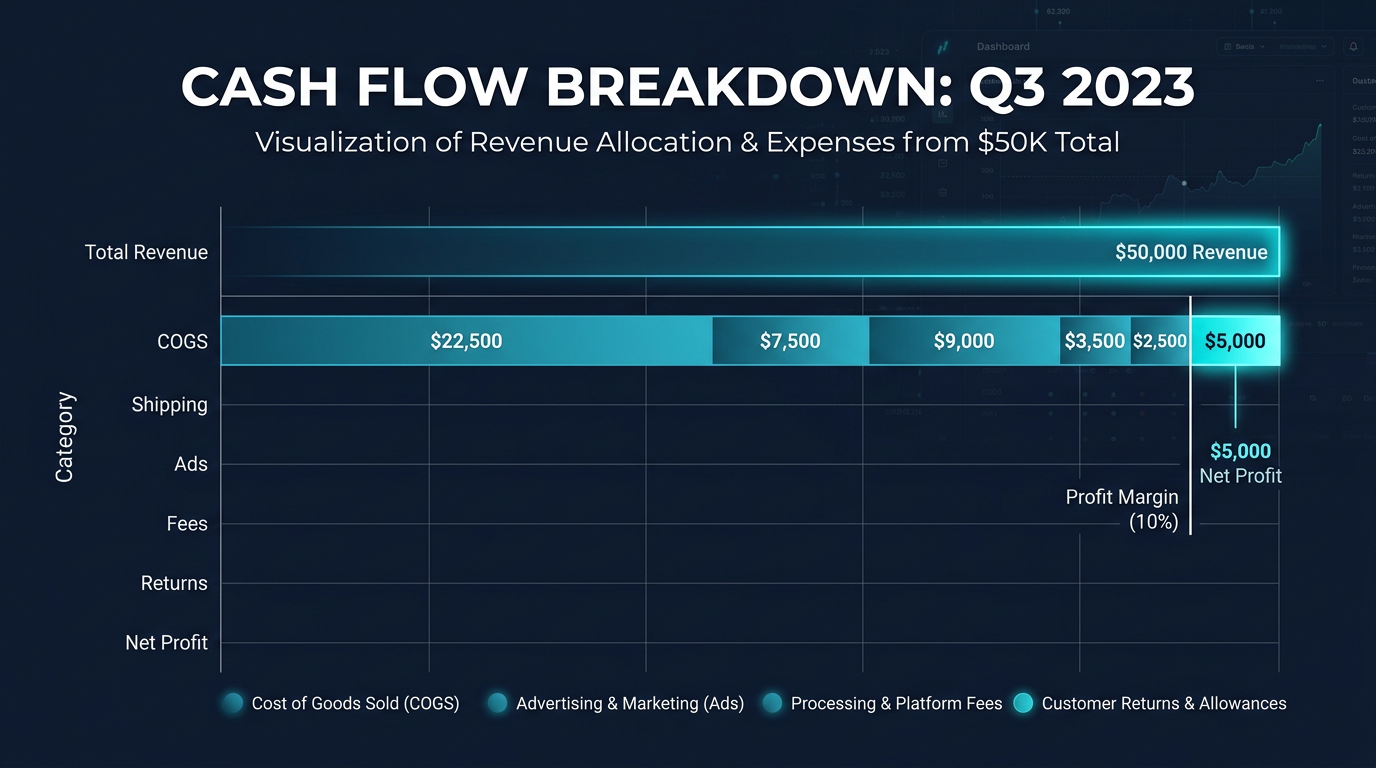
Now: Revenue - COGS - Ad Spend - Operating Expenses - Refunds = Your Real Profit (or Loss)
Example:
- Revenue: $35,000
- COGS: $14,000 (40%)
- Ad spend: $9,500
- Operating expenses: $8,200
- Refunds: $3,800
- Result: -$500 (loss)
You are losing $500/month. That is the number. Now you know what you are dealing with.
If you want precise numbers instead of estimates, upload your Shopify CSV to Okiela. It calculates exact profit per order and per SKU in 30 seconds. Free plan, no credit card.
Week 1: Stop the Bleeding
The goal of Week 1 is not to become profitable. It is to stop getting worse.
Action 1: Kill your worst-performing ad campaigns (Day 1)
Open your ad dashboard. Sort campaigns by cost. Find the bottom 20% — the campaigns with the worst ROAS or highest CPA.
Turn them off. Today.
If you are spending $9,500/month on ads and 20% is underperforming, you just saved $1,900/month. That alone might flip your $500 loss into a $1,400 profit.
Do not optimize them. Do not "give them one more week." Kill them. You can relaunch with better creative later, after you stabilize.
Action 2: Cancel unused apps and subscriptions (Day 1-2)
Open Settings > Billing > Your plan. List every app charge. Ask: "Did I open this app in the last 14 days?"
If no, uninstall it. Right now.
Typical savings: $100-$400/month. Every dollar goes straight to your bottom line.
Action 3: Pause all discount codes (Day 2)
If you are running active discount codes, pause them. All of them.
Yes, even the welcome discount. Yes, even the influencer codes.
A 15% discount on a product with 40% margin eliminates 37.5% of your gross profit per unit. When you are losing money, every discounted order makes it worse.
Exceptions: honor existing code commitments and contractual obligations. But stop creating new ones.
Action 4: Raise prices on 3 products (Day 3)
Pick your 3 highest-volume products. Raise prices by 8-12%.
"But I will lose customers!"
Maybe. But research from Simon-Kucher shows that most ecommerce businesses can raise prices 5-15% with less than 3% volume decline. The math works overwhelmingly in your favor.
A 10% price increase on a $50 product adds $5 per unit to your margin. If you sell 200 units/month, that is $1,000/month in additional margin. Even if you lose 5% of volume (10 units), you gain $1,000 and lose $250 = net +$750.
Do the math. Then raise the prices.
Week 1 Expected Impact
| Action | Monthly Savings |
|---|---|
| Kill bottom 20% ad campaigns | +$1,900 |
| Cancel unused apps | +$200 |
| Pause discounts (est. 25% of orders were discounted at 15% avg) | +$1,300 |
| Price increase on 3 SKUs | +$750 |
| Total Week 1 impact | +$4,150 |
Your $500 monthly loss just became a $3,650 monthly profit. Without selling a single additional unit.
Weeks 2-3: Stabilize
The bleeding has stopped. Now build a sustainable foundation.
Action 5: Identify your profitable core (Week 2)
You do not need to fix every product. You need to find the 5-10 SKUs that actually make money and go all-in on them.
Upload your data to Okiela or build a spreadsheet with per-SKU economics:
Revenue - COGS - Allocated Shipping - Allocated Fees - Allocated Ad Spend = SKU Profit
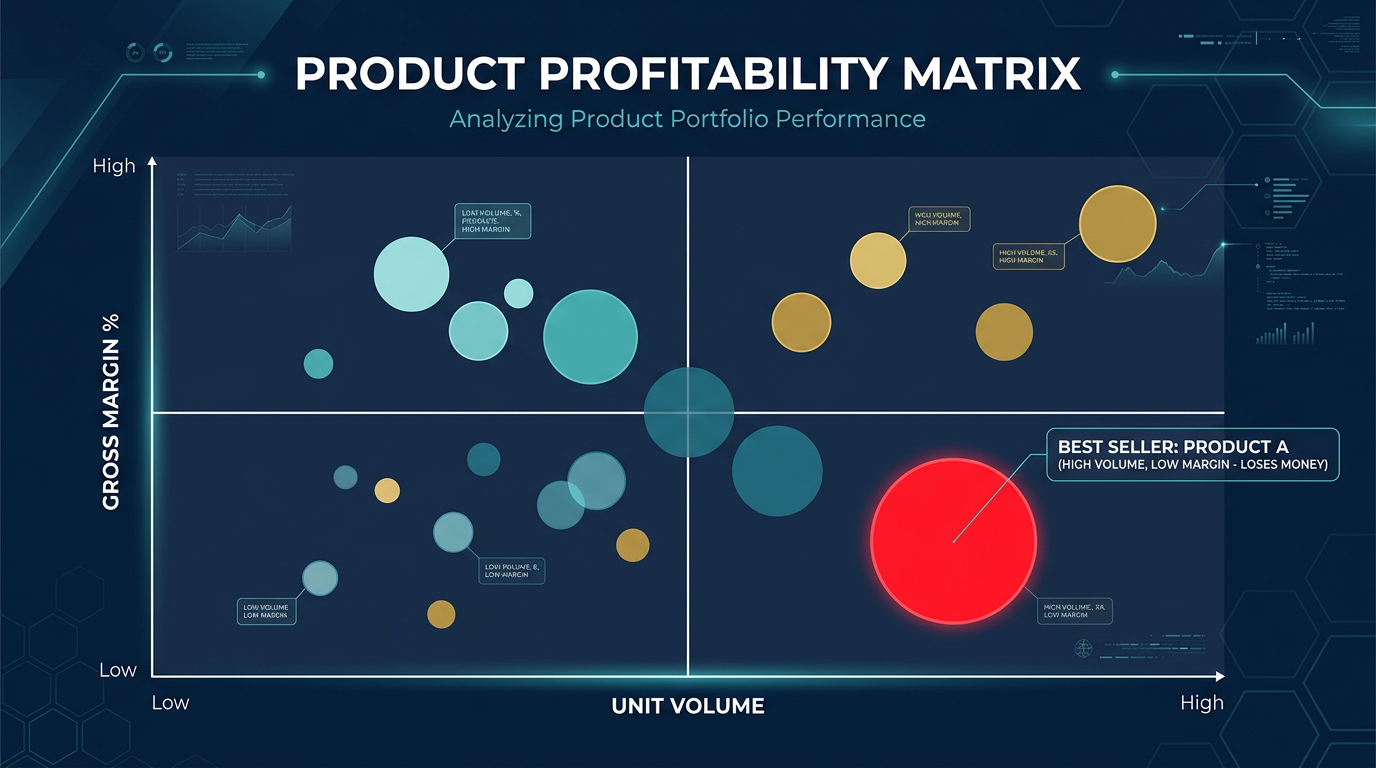
Sort by profit margin. Your top 20% of SKUs probably generate 80% of your profit. Those are your core.
Action 6: Kill or fix the bottom 20% of SKUs (Week 2)
Your bottom 20% of SKUs by profitability are either:
- Losing money (negative contribution margin) → Discontinue or raise price
- Breaking even (0-5% margin) → Raise price or reduce costs
- Unprofitable after ad spend → Stop advertising them
Do not hesitate. Products that lose money on every sale cannot be fixed by selling more of them.
Action 7: Renegotiate 3 contracts (Week 3)
Call or email these three:
- 1Your shipping carrier. Ask for volume discounts or better rates. If you ship 200+ packages/month, you have leverage. Even $0.50 per package = $100/month.
- 1Your primary supplier. Ask for net-30 or net-45 terms instead of prepay. Or ask for a 5% discount for paying early. Either way, you improve cash flow.
- 1Your most expensive app provider. Ask for an annual plan discount. Or ask if they have a lower tier that covers what you actually use. Most app companies would rather keep you at a lower price than lose you entirely.
Action 8: Build a minimum viable marketing plan (Week 3)
You cut ad spend in Week 1. Now rebuild — but only on what works:
- Email marketing: Free or near-free. Set up 3 automated flows: welcome series, abandoned cart, post-purchase. These generate revenue with zero CAC.
- Top-performing ad campaign: Keep only your single best-performing campaign. Scale it slowly (10% per week, not 100% overnight).
- Content/SEO: Start one piece of content per week targeting buyer-intent keywords. Free long-term traffic.
Total marketing budget: 50-60% of what you were spending before, focused on the highest-returning channels.
Week 4: Start Recovering
Action 9: Set your survival metrics (Day 22)
Three numbers. Check them every Monday.
- 1Weekly contribution margin — Are you making money per order after variable costs?
- 2Cash balance — Do you have enough cash to cover the next 4 weeks of expenses?
- 3Inventory turnover — Is your stock moving faster or slower than last month?
If contribution margin is positive, cash is stable, and inventory is turning — you are out of survival mode and into growth mode.
Action 10: Create a "never again" checklist (Day 28)
Write down what got you here. Seriously. Write it down and put it somewhere you will see it.
Common "never again" items:
- Never scale ad spend without knowing per-order profit
- Never run sitewide discounts without calculating the margin impact
- Never order more than 45 days of inventory for new products
- Never go more than 2 weeks without checking real profit (not just revenue)
- Never add an app without setting a calendar reminder to evaluate it in 30 days
The Mindset for Survival Mode
I want to be honest about something. Survival mode is scary. When your bank balance is dropping and your store is losing money, the temptation is to do one of two things:
- 1Panic and do everything at once. You cut all ads, fire your VA, mark everything 50% off, and send 5 desperate emails in one day. This usually makes things worse.
- 1Freeze and do nothing. You keep running the same campaigns, the same prices, the same inventory, hoping something changes. Nothing changes.
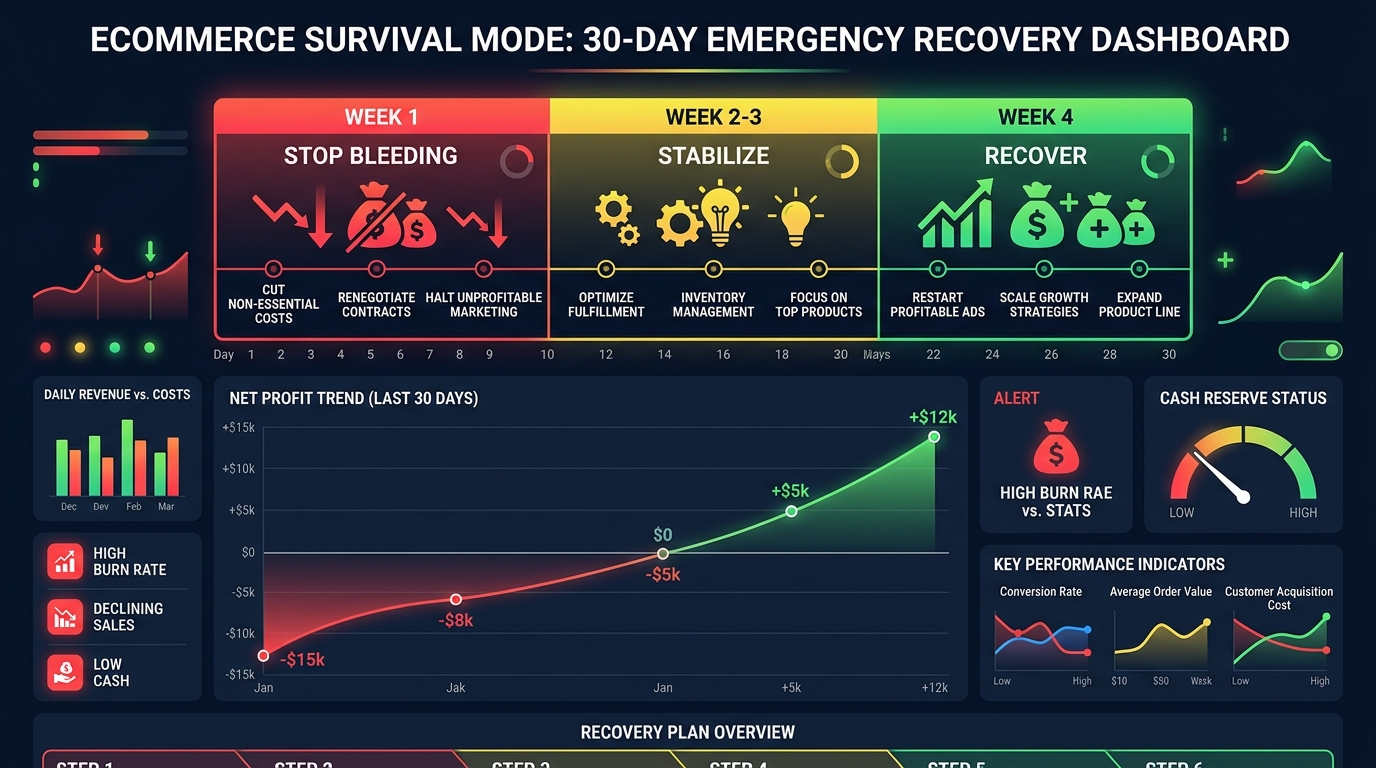
The right approach is systematic and sequential. Week 1: stop the bleeding. Weeks 2-3: stabilize. Week 4: recover. One step at a time.
And here is the uncomfortable truth: most founders who go through survival mode come out the other side with a BETTER business. Because they were forced to cut the waste, focus on what works, and build real financial discipline.
The stores that survive are not the ones with the most revenue. They are the ones that know their numbers.
What Okiela Does for Survival Mode
When you are in survival mode, you need answers fast. Not in a week. Now.
Upload your Shopify export to Okiela:
- In 30 seconds, you see exact profit per order and per SKU
- The AI identifies your money-losing products immediately
- The profit waterfall shows exactly where costs are eating your margin
- You get specific, actionable recommendations: which SKUs to kill, which to reprice, where costs are out of control
This is not a luxury tool. In survival mode, it is a diagnostic tool. Like an X-ray for your business finances.
Free plan. 3 analyses per month. Upload your data right now and start the 30-minute diagnosis. Because the worst thing you can do when your store is losing money is guess about where the money is going.
Know your numbers. Act on them. Survive. Then thrive.
Find the hidden profit leaks draining your store.
Send one order export. Get your 3 biggest profit leaks back within 48 hours.
Request a free Profit Leakage AuditFree, founder-run, no pitch unless you ask. Every number labeled Verified or Estimated. Remove customer PII before upload.
Enjoyed this article?
Get weekly profit optimization tips and Okiela product news delivered to your inbox.
No spam. Unsubscribe anytime.
Nguyen Tuan Dai
Founder & CEO, Okiela
FP&A analyst building ecommerce tools on the side. Helping founders see their real numbers since 2025.